


Tampilkan postingan dengan label JavaScript. Tampilkan semua postingan






Tumbuh
<!DOCTYPE html>
<html>
<head>
<title>Latihan Koding Informatika MAN Kapuas</title>
<style>>
body {
margin: 0;
overflow:hidden;
background: #131313;
}
</style>
</head>
<body>
<canvas id="tree"></canvas>
<h1>This is a animation</h1>
<p>MAN Kapuas.</p>
<script>
'use strict';
class Tree {
constructor() {
this.rule = 'FF+[+FF-F]-[-F+FFF]'
this.sentence = 'F'
this.length = 3
this.angle = Math.PI / 10
this.speed = 30
this.resize()
}
resize() {
this.width = canvas.width = window.innerWidth
this.height = canvas.height = window.innerHeight
this.color = 10
this.pos = -1
ctx.translate(this.width / 4, this.height)
ctx.strokeStyle = 'hsla(0,100%,50%,0.5)'
}
build() {
let nextSentence = ''
for (var j = 0; j < this.sentence.length; j++) {
let currentChar = this.sentence.charAt(j)
if (currentChar === 'F') nextSentence += this.rule
else nextSentence += currentChar
}
this.sentence = nextSentence
}
draw() {
if (this.pos < this.sentence.length) ++this.pos
else this.build()
switch (this.sentence.charAt(this.pos)) {
case 'F':
ctx.moveTo(0, 0)
ctx.lineTo(0, -this.length)
ctx.translate(0, -this.length)
break
case '+':
ctx.rotate(this.angle)
break
case '-':
ctx.rotate(-this.angle)
break
case '[':
ctx.stroke()
ctx.save()
ctx.beginPath()
ctx.strokeStyle = 'hsla(' + (((this.color += 1) < 140) ? this.color : this.color = 40) + ',100%,50%,0.3)'
break
case ']':
ctx.stroke()
ctx.restore()
break
}
}
}
let canvas = document.getElementById('tree')
let ctx = canvas.getContext('2d')
let tree = new Tree()
window.onresize = () => tree.resize()
;(function update() {
requestAnimationFrame(update)
for (let i = 0; i < tree.speed; i++) tree.draw()
}());
</scrip>
</body>
</html>

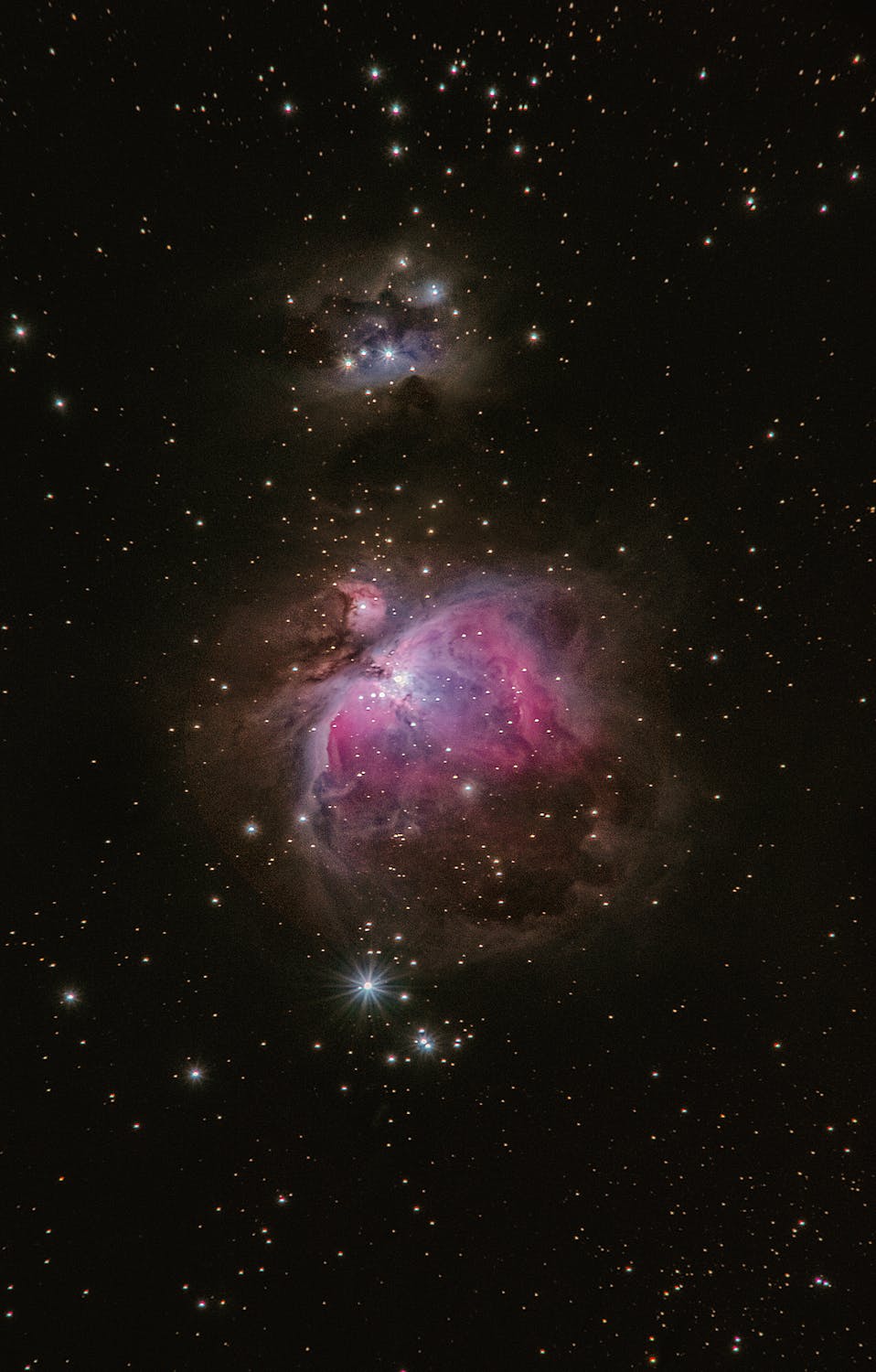
Animasi Koneksi Bintang
<!DOCTYPE html>
<html>
<head>
<title>Latihan Koding Informatika MAN Kapuas</title>
<style>>
body {
margin: 0;
background: #020202;
overflow:hidden;
}
</style>
</head>
<body>
<canvas id="connect"></canvas>
<script>'use strict';
const PI2 = 2 * Math.PI
function map(s, a1, a2, b1, b2) {
return (b1 + (s - a1) * (b2 - b1) / (a2 - a1));
}
class Connect {
constructor() {
ctx.lineWidth = 0.1
this.connectArea = {
maxConnectionLength: 80,
connectAreaRadius: 130,
x: 0,
y: 0,
destX: 0,
destY: 0
};
this.bounds = {
top: 2,
left: 2,
right: 0,
bottom: 0
};
this.dots = []
this.resize()
this.connectArea.x = this.centerX
this.connectArea.y = this.centerY
}
resize() {
this.width = window.innerWidth
this.height = window.innerHeight
this.centerX = this.width / 2 | 0
this.centerY = this.height / 2 | 0
canvas.width = this.width
canvas.height = this.height
this.connectArea.destX = this.centerX
this.connectArea.destY = this.centerY
this.bounds.right = this.width - 2
this.bounds.bottom = this.height - 2
this.colorCounter = 0
this.dotCount = this.width * this.height / 3000 | 0
if (this.dotCount > this.dots.length) {
for (let i = this.dotCount - this.dots.length; i > 0; i--) {
this.dots.push(
new Dot(
this.width,
this.height,
(((this.colorCounter += 2) < 360) ? this.colorCounter : this.colorCounter = 0)
)
)
}
} else if (this.dotCount < this.dots.length) {
this.dots.splice(0, this.dotCount - this.dots.length)
for (let i = 0; i < this.dotCount; i++) {
if (this.dots[i].y < this.bounds.top ||
this.dots[i].y > this.bounds.bottom ||
this.dots[i].x < this.bounds.left ||
this.dots[i].x > this.bounds.right) {
this.dots[i].x = Math.random() * this.width | 0
this.dots[i].y = Math.random() * this.height | 0
}
}
}
}
onMove(evt) {
this.connectArea.destX = evt.clientX || evt.touches && evt.touches[0].pageX
this.connectArea.destY = evt.clientY || evt.touches && evt.touches[0].pageY
}
onLeave(evt) {
this.connectArea.destX = this.centerX
this.connectArea.destY = this.centerY
}
connectDots() {
for (let i = 0; i < this.dotCount; i++) {
for (let j = i+1; j < this.dotCount; j++) {
let dot1 = this.dots[i]
let dot2 = this.dots[j]
let xDiff = Math.abs(dot1.x - dot2.x)
let yDiff = Math.abs(dot1.y - dot2.y)
let xDiffArea = Math.abs(dot1.x - this.connectArea.x)
let yDiffArea = Math.abs(dot1.y - this.connectArea.y)
if (xDiff < this.connectArea.maxConnectionLength && yDiff < this.connectArea.maxConnectionLength &&
xDiffArea < this.connectArea.connectAreaRadius && yDiffArea < this.connectArea.connectAreaRadius) {
let gradient = ctx.createLinearGradient(dot1.x, dot1.y, dot2.x, dot1.y)
gradient.addColorStop(0, dot1.color)
gradient.addColorStop(1, dot2.color)
ctx.beginPath()
ctx.moveTo(dot1.x, dot1.y)
ctx.lineTo(dot2.x, dot2.y)
ctx.strokeStyle = gradient
ctx.stroke()
}
}
}
}
update() {
ctx.globalCompositeOperation = 'hard-light'
ctx.fillStyle = 'rgba(20,20,20,0.2)'
ctx.fillRect(0, 0, this.width, this.height)
ctx.globalCompositeOperation = 'source-over'
// ctx.clearRect(0, 0, this.width, this.height)
let distX = this.connectArea.destX - this.connectArea.x
if (distX > 5 || distX < 5) this.connectArea.x += distX / 10 | 0
let distY = this.connectArea.destY - this.connectArea.y
if (distX > 5 || distX < 5) this.connectArea.y += distY / 10 | 0
for (let i = 0; i < this.dotCount; i++) this.dots[i].update(this.bounds)
this.connectDots()
for (let i = 0; i < this.dotCount; i++) this.dots[i].draw()
}
}
class Dot {
constructor(width, height, color) {
this.x = Math.random() * width | 0
this.y = Math.random() * height | 0
this.vx = (Math.random() - 0.7) / 2
this.vy = (Math.random() - 0.7) / 2
this.radius = Math.random() * 2 + 0.3
this.color = 'hsla(' + color + ',80%,50%,' + this.radius * .5 + ')'
}
draw() {
ctx.beginPath()
ctx.fillStyle = this.color
ctx.arc(this.x, this.y, this.radius, 0, PI2)
ctx.fill()
}
update(bounds) {
if (this.y < bounds.top || this.y > bounds.bottom) this.vy = -this.vy
else if (this.x < bounds.left || this.x > bounds.right) this.vx = -this.vx
this.x += this.vx
this.y += this.vy
}
}
let canvas = document.getElementById('connect')
let ctx = canvas.getContext('2d')
let connect = new Connect()
canvas.onmousemove = (evt) => connect.onMove(evt)
canvas.onmouseleave = (evt) => connect.onLeave(evt)
canvas.ontouchstart = (evt) => connect.onMove(evt)
canvas.ontouchmove = (evt) => connect.onLeave(evt)
window.onresize = () => connect.resize()
;(function update() {
requestAnimationFrame(update)
connect.update()
}());</scrip>
</body>
</html>



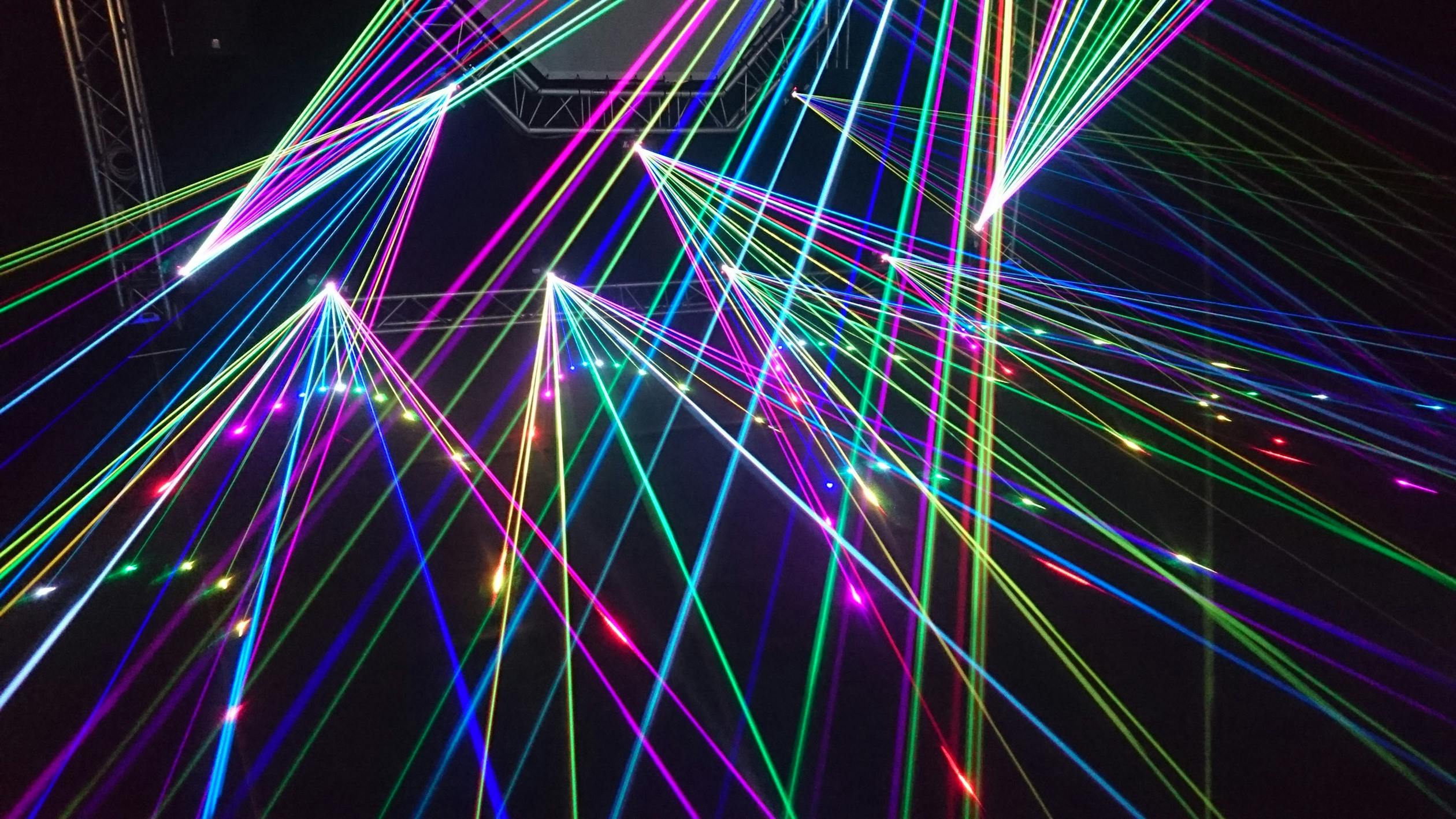
Animasi garis
<!DOCTYPE html>
<html>
<head>
<title>Latihan koding Informatika MAN Kapuas</title>
<style>canvas {
position: absolute;
top: 0;
left: 0;
background-color: black;
}</style>
</head>
<body>
<h1>Animation</h1>
<canvas id=c></canvas>
<script>var w = c.width = window.innerWidth,
h = c.height = window.innerHeight,
ctx = c.getContext( '2d' ),
minDist = 10,
maxDist = 30,
initialWidth = 10,
maxLines = 100,
initialLines = 4,
speed = 5,
lines = [],
frame = 0,
timeSinceLast = 0,
dirs = [
// straight x, y velocity
[ 0, 1 ],
[ 1, 0 ],
[ 0, -1 ],
[ -1, 0 ],
// diagonals, 0.7 = sin(PI/4) = cos(PI/4)
[ .7, .7 ],
[ .7, -.7 ],
[ -.7, .7 ],
[ -.7, -.7]
],
starter = { // starting parent line, just a pseudo line
x: w / 2,
y: h / 2,
vx: 0,
vy: 0,
width: initialWidth
};
function init() {
lines.length = 0;
for( var i = 0; i < initialLines; ++i )
lines.push( new Line( starter ) );
ctx.fillStyle = '#222';
ctx.fillRect( 0, 0, w, h );
// if you want a cookie ;)
// ctx.lineCap = 'round';
}
function getColor( x ) {
return 'hsl( hue, 80%, 50% )'.replace(
'hue', x / w * 360 + frame
);
}
function anim() {
window.requestAnimationFrame( anim );
++frame;
ctx.shadowBlur = 0;
ctx.fillStyle = 'rgba(0,0,0,.02)';
ctx.fillRect( 0, 0, w, h );
ctx.shadowBlur = .5;
for( var i = 0; i < lines.length; ++i )
if( lines[ i ].step() ) { // if true it's dead
lines.splice( i, 1 );
--i;
}
// spawn new
++timeSinceLast
if( lines.length < maxLines && timeSinceLast > 10 && Math.random() < .5 ) {
timeSinceLast = 0;
lines.push( new Line( starter ) );
// cover the middle;
ctx.fillStyle = ctx.shadowColor = getColor( starter.x );
ctx.beginPath();
ctx.arc( starter.x, starter.y, initialWidth, 0, Math.PI * 2 );
ctx.fill();
}
}
function Line( parent ) {
this.x = parent.x | 0;
this.y = parent.y | 0;
this.width = parent.width / 1.25;
do {
var dir = dirs[ ( Math.random() * dirs.length ) |0 ];
this.vx = dir[ 0 ];
this.vy = dir[ 1 ];
} while (
( this.vx === -parent.vx && this.vy === -parent.vy ) || ( this.vx === parent.vx && this.vy === parent.vy) );
this.vx *= speed;
this.vy *= speed;
this.dist = ( Math.random() * ( maxDist - minDist ) + minDist );
}
Line.prototype.step = function() {
var dead = false;
var prevX = this.x,
prevY = this.y;
this.x += this.vx;
this.y += this.vy;
--this.dist;
// kill if out of screen
if( this.x < 0 || this.x > w || this.y < 0 || this.y > h )
dead = true;
// make children :D
if( this.dist <= 0 && this.width > 1 ) {
// keep yo self, sometimes
this.dist = Math.random() * ( maxDist - minDist ) + minDist;
// add 2 children
if( lines.length < maxLines ) lines.push( new Line( this ) );
if( lines.length < maxLines && Math.random() < .5 ) lines.push( new Line( this ) );
// kill the poor thing
if( Math.random() < .2 ) dead = true;
}
ctx.strokeStyle = ctx.shadowColor = getColor( this.x );
ctx.beginPath();
ctx.lineWidth = this.width;
ctx.moveTo( this.x, this.y );
ctx.lineTo( prevX, prevY );
ctx.stroke();
if( dead ) return true
}
init();
anim();
window.addEventListener( 'resize', function() {
w = c.width = window.innerWidth;
h = c.height = window.innerHeight;
starter.x = w / 2;
starter.y = h / 2;
init();
} )</scrip>
</body>
</html>
Fullscreen with JavaScript
<!DOCTYPE html>
<html>
<head>
<title>latihan koding infrmatika MAN Kapuas</title>
<meta name="viewport" content="width=device-width, initial-scale=1">
<style>
/* Safari syntax */
:-webkit-full-screen {
background-color: yellow;
}
/* IE11 */
:-ms-fullscreen {
background-color: yellow;
}
/* Standard syntax */
:fullscreen {
background-color: yellow;
}
/* Style the button */
button {
padding: 20px;
font-size: 20px;
}
</style>
</head>
<body>
<h2>Fullscreen with JavaScript</h2>
<p>Click on the "Open Fullscreen" button to open this page in fullscreen mode. Close it by either clicking the "Esc" key on your keyboard, or with the "Close Fullscreen" button.</p>
<button onclick="openFullscreen();">Open Fullscreen</button>
<button onclick="closeFullscreen();">Close Fullscreen</button>
<script>
var elem = document.documentElement;
function openFullscreen() {
if (elem.requestFullscreen) {
elem.requestFullscreen();
} else if (elem.webkitRequestFullscreen) { /* Safari */
elem.webkitRequestFullscreen();
} else if (elem.msRequestFullscreen) { /* IE11 */
elem.msRequestFullscreen();
}
}
function closeFullscreen() {
if (document.exitFullscreen) {
document.exitFullscreen();
} else if (document.webkitExitFullscreen) { /* Safari */
document.webkitExitFullscreen();
} else if (document.msExitFullscreen) { /* IE11 */
document.msExitFullscreen();
}
}
</scrip>
<p>Note: Internet Explorer 10 and earlier versions do not support the msRequestFullscreen() method.</p>
</body>
</html>

Label:
JavaScript


Jam Digital Basic
<!DOCTYPE html>
<html>
<head>
<title>latihan koding informatika MAN Kapuas</title>
<styl>
body {
background: black;
}
#clock {
position: absolute;
top: 50%;
left: 50%;
transform: translate(-50%, -50%);
width: calc(100vw - 4px);
height: auto;
max-width: 700px;
}
</style>
</head>
<body>
<h1>Informatika MAN Kapuas</h1>
<p>jam digital</p>
<div id="clock"></div>
<script>function initClock(elt, opt_properties) {
const defaultProperties = {color: '#0ff', date: new Date(), glow: true, militaryTime: false, showMs: true};
const c = Object.assign(defaultProperties, opt_properties);
!c.dotColor ? c.dotColor = defaultProperties.color : false;
const getSecondsPassed = (now = c.date, militaryTime = c.militaryTime) => {
const s10 = Math.floor(now.getSeconds());
const m10 = Math.floor(now.getMinutes() * 60 + s10);
const h = Math.floor(now.getHours() * 3600 + m10);
return { hour: h, minute10: m10, minute1: Math.floor((now.getMinutes() % 10) * 60 + s10), second10: s10, second1: Math.floor(now.getSeconds() % 10) };
};
let td = getSecondsPassed();
let vxEnd = c.showMs ? 175 : 130;
let showGlow = c.glow ? `<use href="#fullClock" filter="url(#glow)"/>` : '';
let showGlowBlur = c.glow ? `<filter id="glow" x="-200%" y="-200%" width="1000%" height="1000%"><feGaussianBlur in="SourceGraphic" stdDeviation="1.4" /></filter>` : '';
let hrDur = c.militaryTime ? '86400' : '43200';
let hr1Offsets = c.militaryTime ? `0 0; 0 -30; 0 -60; 0 -90; 0 -120; 0 -150; 0 -180; 0 -210; 0 -240; 0 -270; 0 0; 0 -30; 0 -60; 0 -90; 0 -120; 0 -150; 0 -180; 0 -210; 0 -240; 0 -270; 0 0; 0 -30; 0 -60; 0 -90` : `0 -60; 0 -30; 0 -60; 0 -90; 0 -120; 0 -150; 0 -180; 0 -210; 0 -240; 0 -270; 0 0; 0 -30`;
let hr10Offsets = c.militaryTime ? `0 0; 0 0; 0 0; 0 0; 0 0; 0 0; 0 0; 0 0; 0 0; 0 0; 0 -30; 0 -30; 0 -30; 0 -30; 0 -30; 0 -30; 0 -30; 0 -30; 0 -30; 0 -30; 0 -60; 0 -60; 0 -60; 0 -60` : `0 -30; 0 0; 0 0; 0 0; 0 0; 0 0; 0 0; 0 0; 0 0; 0 0; 0 -30; 0 -30`;
let msDots = c.showMs ? `M 132.5 10 v0 m0 10 v0` : '';
let milliseconds = c.showMs ? `<g class="ms10"><use href="#nums" transform="translate(135)" /><animateTransform id="ms10" attributeName="transform" type="translate" values="0 0; 0 -30; 0 -60; 0 -90; 0 -120; 0 -150; 0 -180; 0 -210; 0 -240; 0 -270" dur="1s" begin="0s" repeatCount="indefinite" calcMode="discrete" /></g><g class="ms"><use href="#nums" transform="translate(155)" /><animateTransform id="ms" attributeName="transform" type="translate" values="0 0; 0 -30; 0 -60; 0 -90; 0 -120; 0 -150; 0 -180; 0 -210; 0 -240; 0 -270" dur=".1s" begin="0s" repeatCount="indefinite" calcMode="discrete" /></g>` : '';
let svg = `<svg id="clockItToMe" xmlns="http://www.w3.org/2000/svg" viewBox="0 0 ${vxEnd} 30"><defs>${showGlowBlur}<marker id="v" viewBox="0 0 10 10" refX="5" refY="2" markerWidth="8" markerHeight="8" orient="auto"><path d="M 0 2 l 2 -2 h 6 l 2 2 l -2 2 l -6 0 z" fill="${c.color}" /></marker><marker id="h" viewBox="0 0 10 10" refX="5" refY="8" markerWidth="8" markerHeight="8" orient="rotate(90deg)"><path d="M 0 2 l 2 -2 h 6 l 2 2 l -2 2 l -6 0 z" fill="${c.color}" /></marker><g id="nums" stroke="none" fill="none"><path d="M5 0v 10 10 60 50 30 30 10 50 10 20 30" marker-mid="url(#v)" /><path d="M10 0v10 20 40 10 10 10 10 10 20 20 10 10 10 10 10 10 30 10 10 10 10 10 10" marker-mid="url(#h)" /><path d="M15 0v10 10 20 10 20 30 10 20 10 30 30 20 10 20 10 20 10 20" marker-mid="url(#v)" /></g></defs><g id="fullClock"><g class="hr10"><use href="#nums" /><animateTransform id="hr10" attributeName="transform" type="translate" values="${hr10Offsets}" dur="${hrDur}s" begin="-${td.hour}s" repeatCount="indefinite" calcMode="discrete" /></g><g class="hr"><use href="#nums" transform="translate(20)" /><animateTransform id="hr" attributeName="transform" type="translate" values="${hr1Offsets}" dur="${hrDur}s" begin="-${td.hour}s" repeatCount="indefinite" calcMode="discrete" /></g><g class="min10"><use href="#nums" transform="translate(45)" /><animateTransform id="min10" attributeName="transform" type="translate" values="0 0; 0 -30; 0 -60; 0 -90; 0 -120; 0 -150" dur="3600s" begin="-${td.minute10}s" repeatCount="indefinite" calcMode="discrete" /></g><g class="min"><use href="#nums" transform="translate(65)" /><animateTransform id="min" attributeName="transform" type="translate" values="0 0; 0 -30; 0 -60; 0 -90; 0 -120; 0 -150; 0 -180; 0 -210; 0 -240; 0 -270" dur="600s" begin="-${td.minute1}s" repeatCount="indefinite" calcMode="discrete" /></g><g class="sec10"><use href="#nums" transform="translate(90)" /><animateTransform id="sec10" attributeName="transform" type="translate" values="0 0; 0 -30; 0 -60; 0 -90; 0 -120; 0 -150" dur="60s" begin="-${td.second10}s" repeatCount="indefinite" calcMode="discrete" /></g><g class="sec"><use href="#nums" transform="translate(110)" /><animateTransform id="sec" attributeName="transform" type="translate" values="0 0; 0 -30; 0 -60; 0 -90; 0 -120; 0 -150; 0 -180; 0 -210; 0 -240; 0 -270" dur="10s" begin="-${td.second1}s" repeatCount="indefinite" calcMode="discrete" /></g>${milliseconds}<path d="M42.5 10 v0 m0 10 v0 M 87.5 10 v0 m0 10 v0${msDots}" stroke="${c.dotColor}" stroke-width="3" stroke-linecap="square" /></g>${showGlow}</svg>`;
const wrapper = document.createElement("div");
wrapper.insertAdjacentHTML('afterbegin', svg);
const doc = wrapper.firstChild;
elt.appendChild(doc);
}
initClock(document.querySelector("#clock"), {color: 'red', dotColor: 'red', showMs: true});
// refresh it if we leave the page
document.addEventListener("visibilitychange", () => {
if (!document.hidden) {
clock.innerHTML = '';
initClock(document.querySelector("#clock"), {color: '#D5FF77', dotColor: '#80AACC', showMs: true});
}
});</scrip>
</body>
</html>

Game Pantul
<!DOCTYPE html>
<html>
<head>
<title>Latihan koding Informatika MAN Kapuas</title>
<style>
canvas{
position:absolute;
top:0px; left:0px;
}
#stats{
color:white;
background-color:rgba(255, 255, 255, 0.3);
font-size:20px;
padding:40px;
position:absolute;
top:0px; left:0px;
}
#rules{
opacity:0;
color:white;
background-color:rgba(255, 255, 255, 0.1);
font-size:20px;
position:absolute;
text-align:center;
top:40vh;
width:96vw;
left:0px;
padding:2vw;
-webkit-animation:disappear 4s linear;
}
@-webkit-keyframes disappear{
from{
opacity:1;
}
70%{
opacity:1;
}
100%{
opacity:0;
}
}</style>
</head>
<body>
<canvas id=c></canvas>
<div id=stats><span id=score>0</span>/<span id=outOf>0</span></div>
<div id=rules>klik diarea untuk membuat ledakan</div>
var w=window.innerWidth,
h=window.innerHeight,
amount=((w*h)/10000)|0;
outOf.textContent=amount+1;
c.width=w;
c.height=h;
var ctx=c.getContext('2d');
var inGame=false,
cells=[];
function getRandomColor(min){
return 'rgb(cr, cg, cb)'.replace(
'cr', (Math.random()*(255-min))|0+min).replace(
'cg', (Math.random()*(255-min))|0+min).replace(
'cb', (Math.random()*(255-min))|0+min)
};
clicked=false;
function init(){
clicked=false;
ctx.fillStyle='black';
ctx.fillRect(0, 0, w, h);
score.textContent='0';
cells=[];
for(var n=0; n<amount; ++n){
cells.push(new Cell);
}
inGame=true;
anim();
}
var maxSize=10, minSize=6,
maxV=4;
function Cell(size, x, y){
this.color=getRandomColor(100);
this.size=size||Math.random()*(maxSize-minSize)+minSize;
this.initSize=this.size;
this.x=x||Math.random()*w;
this.y=y||Math.random()*h;
this.vx=Math.random()*maxV*2-maxV;
this.vy=Math.random()*maxV*2-maxV;
this.exploded=false;
this.explosionSize=10;
}
Cell.prototype.update=function(){
this.x+=this.vx;
this.y+=this.vy;
if(this.x<0||this.x>w) this.vx*=-1;
if(this.y<0||this.y>h) this.vy*=-1;
ctx.fillStyle=this.color;
ctx.beginPath();
ctx.arc(this.x, this.y, Math.abs(this.size/2), 0, Math.PI*2);
ctx.fill();
ctx.closePath();
//ctx.fillRect(this.x-this.size/2, this.y-this.size/2, this.size, this.size);
if(this.exploded){
if(this.size>0){
this.explosionSize+=1/this.explosionSize*10;
this.size-=0.05;
}else{
cells.splice(cells.indexOf(this), 1);
}
ctx.beginPath();
ctx.arc(this.x, this.y, this.explosionSize, 0, Math.PI*2);
for(var i=0; i<cells.length; ++i){
var cell=cells[i];
if(!cell.exploded){
var a=this, b=cell;
var distX=a.x-b.x,
distY=a.y-b.y,
dist=Math.sqrt((distX*distX)+(distY*distY));
if(dist<=this.explosionSize) cells[i].explode();
}
}
ctx.strokeStyle=this.color;
ctx.stroke();
ctx.closePath();
}
}
Cell.prototype.explode=function(){
this.exploded=true;
this.vx=this.vy=0;
score.textContent=parseInt(score.textContent)+1;
}
nextInit=false;
function anim(){
if(nextInit){
nextInit=false;
init();
return;
}
if(inGame) window.requestAnimationFrame(anim);
ctx.fillStyle='rgba(0, 0, 0, 0.1)';
ctx.fillRect(0, 0, w, h);
var c;
for(c=0; c<cells.length; ++c) cells[c].update();
if(cells.length===0) gameOver();
}
function gameOver(){
inGame=false;
}
init();
document.addEventListener('click', function(e){
if(!inGame) init();
else if(clicked) nextInit=true;
else{
var cell=new Cell(15, e.clientX, e.clientY)
cells.push(cell);
cell.explode();
clicked=true;
}
})</scrip>
</body>
</html>

Pesan sistem
<!DOCTYPE html>
<html>
<head>
<title>Belajar Koding Informatika MAN Kapuas</title>
<styl>body {
margin: 0;
background-color: #000;
color: #0f0;
font-family: monospace;
font-size: 1.5rem;
padding: 5rem 2rem;
box-sizing: border-box;
}
#text {
transition: all ease 0.12s;
white-space: pre-wrap;
letter-spacing: 2px;
text-shadow: 0px 0px 10px #42fd424f, 0px 0px 20px #4bf34b8c,
0px 0px 30px #94ef9482;
}
</style>
</head>
<body>
<div id="text" contenteditable="false"></div>
<script>const textString = `Hi, Pak Bihann...
Saya berada dalam sistem komputermu...
Saya sangat senang berada disini...
Mari Pak, belajar koding bersama...`;
const textDiv = document.getElementById("text");
let idx = 0;
let it;
setText = _ => {
if (idx === textString.length) {
clearInterval(it);
setTimeout(_ => {
idx = 0;
textDiv.textContent = "";
it = setInterval(setText, 90);
}, 1000);
} else {
textDiv.textContent += textString[idx];
idx++;
}
};
it = setInterval(setText, 90);
</scrip>
</body>
</html>

Buat Frequently Asked Questions
<!DOCTYPE html>
<html>
<head>
<title>Latihan Koding Informatika MAN Kapuas</title>
<styl>
body {
margin: 0;
padding: 0;
font-family: 'arial', sans-serif;
}
.faq-list {
list-style: none;
padding: 0;
}
.faq-list li {
margin: 30px 0;
border: 1px solid rgb(205, 205, 205);
padding: 27px 30px;
margin: 0px auto 30px;
text-align: left;
width: 550px;
position: relative;
}
.faq-list .faq-heading::before {
content: '+';
font-size: 40px;
display: block;
position: absolute;
right: 0;
top: -8px;
color: #c2c2c2;
}
.faq-list .the-active .faq-heading::before {
content: '-';
}
.faq-heading {
position: relative;
cursor: pointer;
font-size: 18px;
font-weight: 400;
margin: 0;
}
.faq-heading:hover {
color: var(--theme-color);
}
.faq-text {
display: none;
}
.container {
width: 1200px;
margin: auto;
}
.art-box svg {
width: 100%;
}
.row {
display: flex;
}
.row .col {
flex-basis: 50%;
}
.read {
color: rgb(100, 100, 100);
font-size: 16px;
line-height: 1.5;
margin-top: 25px;
}
</style>
</head>
<body>
<section>
<div class="container">
<ul class="faq-list">
<li>
<h4 class="faq-heading">Apa itu situs fotografer?</h4>
<p class="read faq-text">
Situs fotografer adalah platform online yang memungkinkan fotografer untuk memamerkan dan menjual karya mereka, serta berinteraksi dengan calon klien dan penggemar fotografi.
</p>
</li>
<li>
<h4 class="faq-heading">Apa manfaat memiliki situs fotografer?</h4>
<p class="read faq-text">
Portofolio Digital: Menampilkan karya fotografer secara profesional.<br>
Akses Lebih Luas: Menjangkau calon klien dari berbagai lokasi.<br>
Pemasaran: Meningkatkan visibilitas dan brand fotografer.<br>
Penghasilan Tambahan: Menjual foto secara online.
</p>
</li>
<li>
<h4 class="faq-heading">Bagaimana cara membuat situs fotografer?</h4>
<p class="read faq-text">
Pilih Platform: Gunakan platform seperti WordPress, Squarespace, atau website builder lainnya.<br>
Desain: Buat desain yang menarik dan sesuai dengan gaya fotografi.<br>
Konten: Unggah foto, tulisan, dan informasi kontak.<br>
Optimalkan SEO: Pastikan situs mudah ditemukan oleh mesin pencari.
</p>
</li>
<li>
<h4 class="faq-heading">Apa yang perlu dipertimbangkan saat membuat situs fotografer?</h4>
<p class="read faq-text">
Kualitas Gambar: Pastikan foto berkualitas tinggi.<br>
Navigasi: Desain yang mudah digunakan dan navigasi yang jelas.<br>
Konten: Tulisan, blog, dan informasi tentang layanan yang ditawarkan.<br>
Kontak: Informasi kontak yang mudah diakses.
</p>
</li>
<li>
<h4 class="faq-heading">Bagaimana cara mempromosikan situs fotografer?</h4>
<p class="read faq-text">
Media Sosial: Gunakan platform seperti Instagram, Facebook, dan Twitter untuk mempromosikan karya.<br>
SEO: Optimalkan konten untuk mesin pencari.<br>
Kolaborasi: Bekerja sama dengan brand atau influencer.<br>
Konten berkualitas: Buat konten yang menarik dan relevan dengan audiens.
</p>
</li>
</ul>
</div>
</section>
<script src="https://code.jquery.com/jquery-3.6.0.min.js"></script>
<script>
$('.faq-heading').click(function () {
$(this).parent('li').toggleClass('the-active').find('.faq-text').slideToggle();
});
</script>
</body>
</html>

Langganan:
Postingan (Atom)


